
AZ Screen Recorder Screen Recorder v6.0.5.5 PREMIUM APK — ALL FEATURES OPEN
AZ Screen RecorderUpdated
29 August, 2023Size
54.74MBVersion
6.0.5.5Requirements
5.0 and laterGet it on

Images

Versions
Description
The purpose of use is to record the screen and prepare for sharing in accordance with the instructions it receives after installing and opening it on your device. Although AZ Screen Recorder was offered free of charge to its users, many features in the application were not available, so I offer it as PREMIUM APK, that is, FULL VERSION, so you can use the application as you wish. TURKISH language support is available, so you can navigate the menus and make the necessary settings. Root has been downloaded more than 50,000,000 times in Play Store.
ADVANTAGES
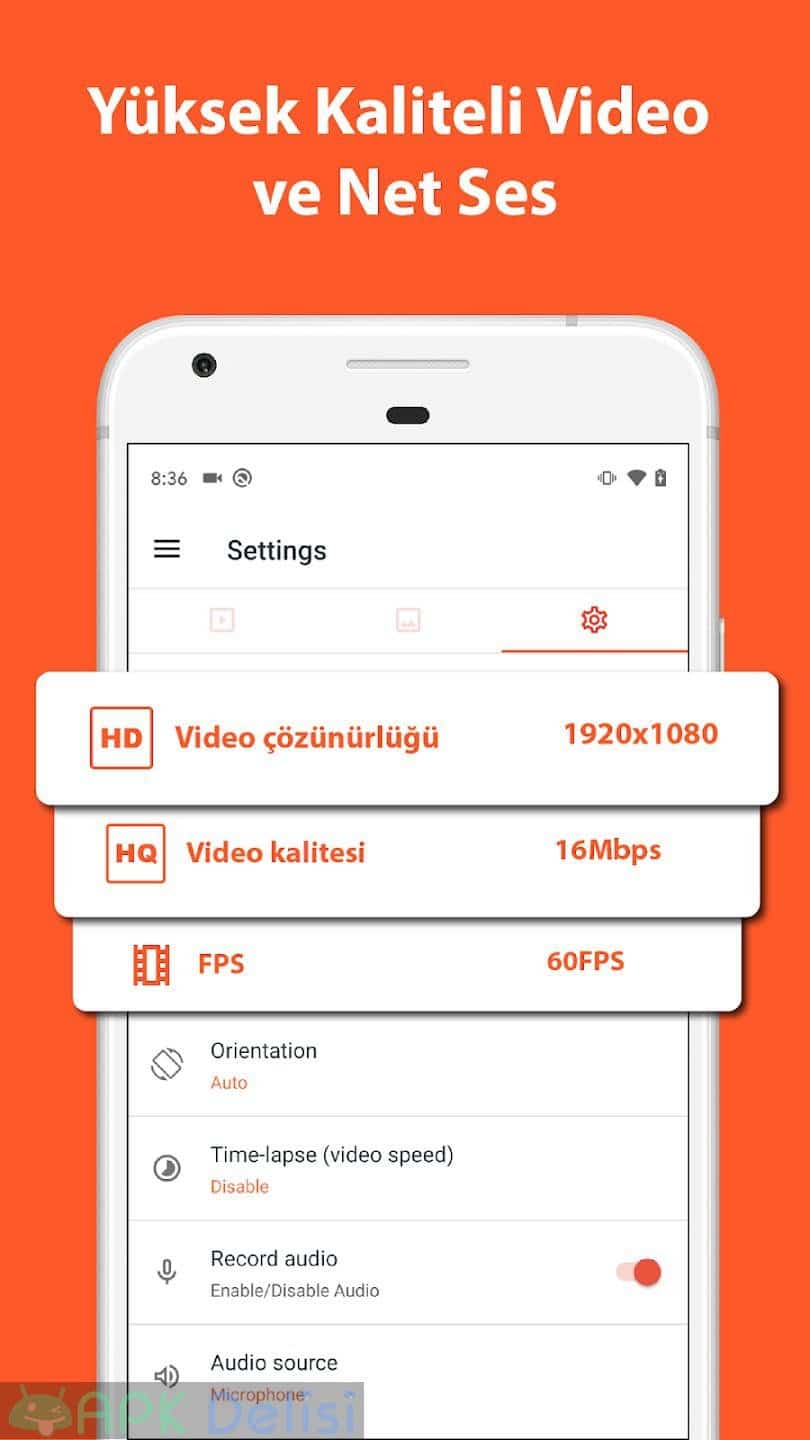
★ High Quality Video: 1080p, 12Mbps, 60FPS
★ NO recording time limit
★ watermark NONE
★ FREE to use
KEY FEATURES
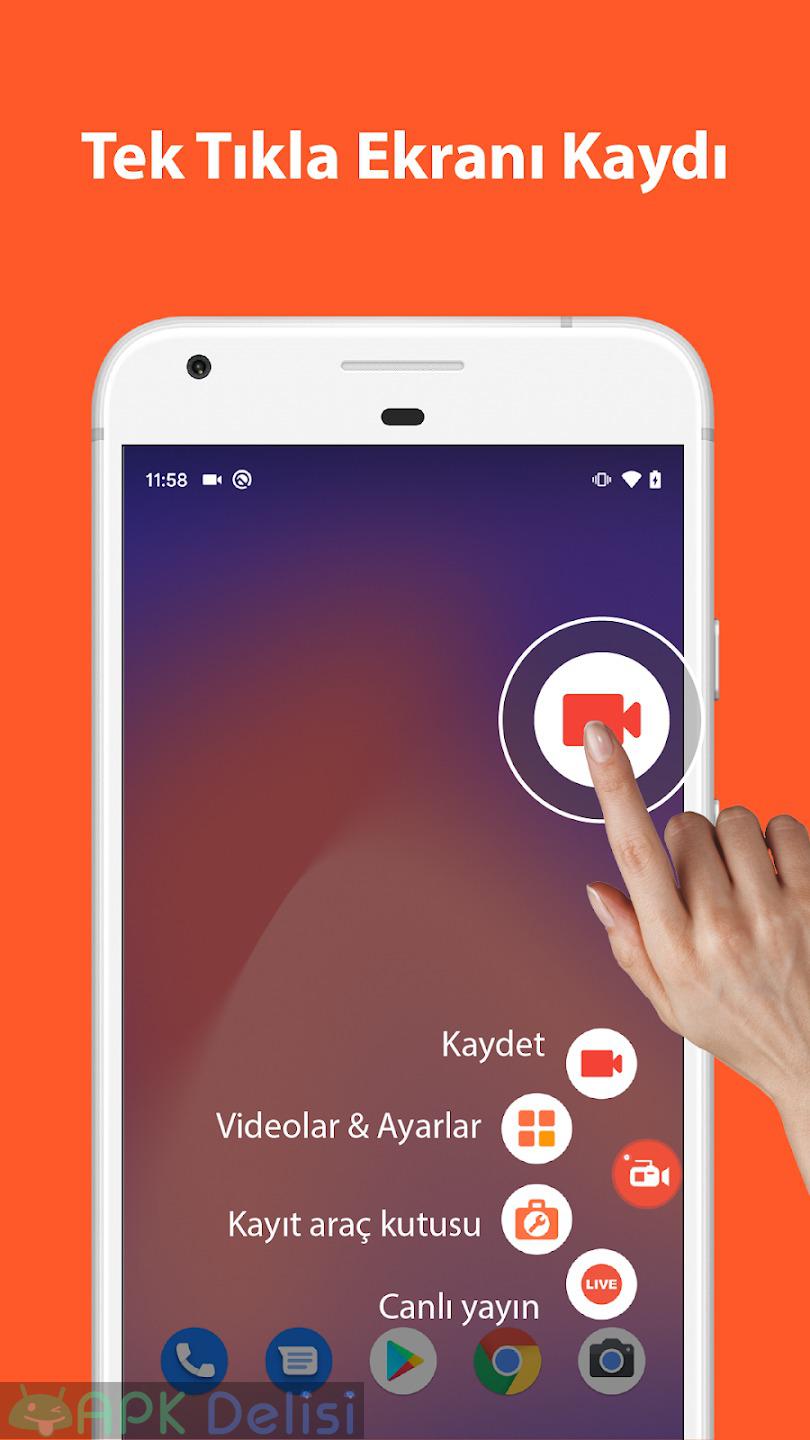
★ Screen recording
AZ Screen Recorder provides stable and beautiful screen recording with many useful features, including:
– Record screen with audio: Any you can record original audio from the game/app or record your own voice from the microphone.
– Record gameplay in high quality: Many resolutions, frame rates and bitrates can be selected in this game recorder.
– Screen recorder with Facecam: Record your face and emotions in a small overlay window. This window can be adjusted in size and dragged to any position on the screen.
Additionally, you can also do many things in this free screen recorder:
– Pause and resume recording
– Record screen to GIF (GIF maker)
– Intuitive controller user interface with floating buttons and notification bar
– Shake the device to stop recording
– Draw on the screen while recording
– Transfer recorded videos to your computer via Wifi
– Record video calls
★ Video Editor
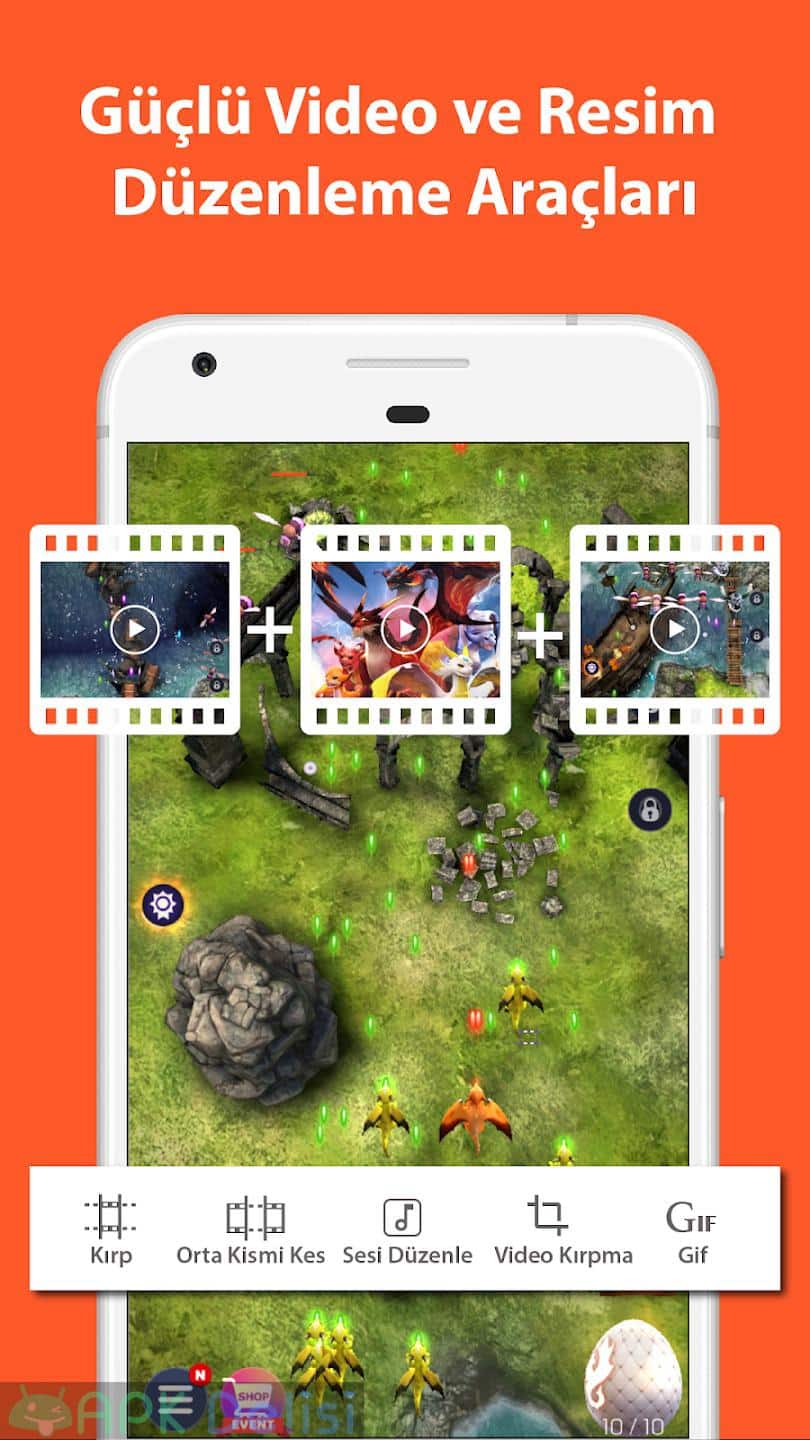
After recording the device screen, you can edit your videos with these editing functions:
– Cut the video Convert to GIF
– Trim / trim video
– Merge videos: Combine multiple videos into one
– Add background music to video
– Add subtitles to video
– Extract images from video
– Add video to video trim
– Rotate video
– Compress video
– Edit audio
★ Live Broadcast
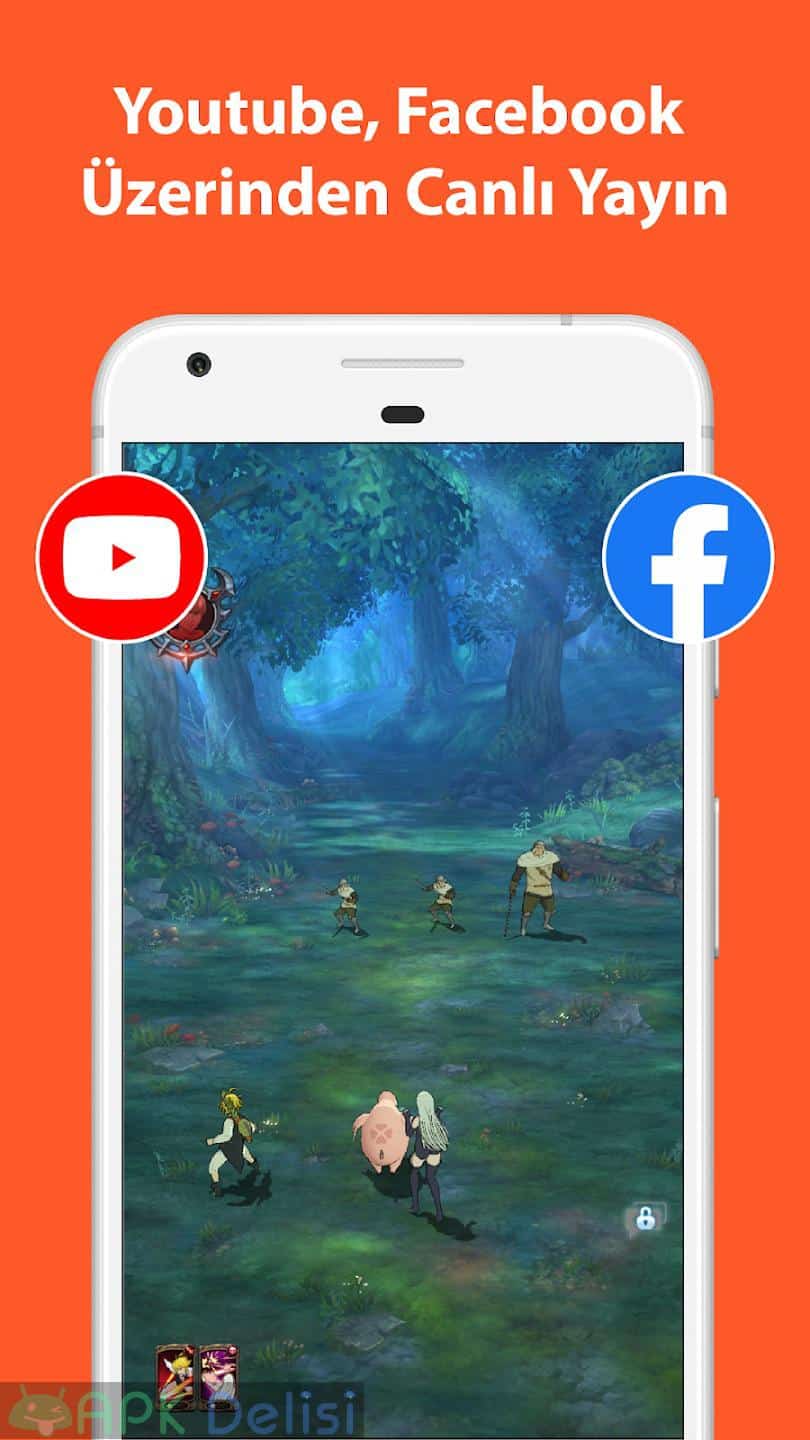
With the screen broadcast function, you can transfer your screen to Youtube, Facebook or Twitch. You can stream games, movies, TV shows and sports events. AZ Screen Recorder offers the following features to help you live stream easily:
– Different broadcast resolutions: Broadcast in the quality you want.
– Facecam: Show your facial expressions to viewers.
★ Screenshots and Image Editing
AZ Screen Recorder is more than a screen video recorder. It can also capture screenshots and edit images. You can easily take screenshots with one click, use in-app image editing tools to fine-tune images, and share your screenshots with your friends. Some of the best editing features are:
– Combine images: Automatically detect several images and merge them into one.
– Crop images: Remove unwanted parts.
– Blur image: Pixelate areas you don't want to show.
– Add text, stickers, and draw over the image do…
AZ Screen Recorder Screen Recorder v6.0.5.5 PREMIUM APK — ALL FEATURES ON MOD INFORMATION
All premium features are open.
AZ Screen Recorder Screen Recorder v6.0.5.5 PREMIUM APK — ALL FEATURES OPEN Yenilikleri
📺 Improved video player and image viewer.
🗑️ Deleted files moved to trash before being permanently deleted.
Developer's apps

Related apps





Blog Posts
-
 Resident Evil Survival Unit Mobile Game Reached 2 Million Downloads – Developers Celebrate Success 3 December 2025
 -
Helldivers Movie: Exciting Adaptation Project from Fast and Furious Director Justin Lin 3 December 2025
-
Splinter Cell Remake Former Director David Grivel Returned to the Project 3 December 2025
-
CD Projekt Aims to Complete the New Witcher Trilogy in 6 Years 3 December 2025
-
GTA 6 Animation Leaks Come from Rockstar Employee: Bicycle and Lucia Scenes Go Viral 2 December 2025
-


