
Hello friends, due to some complaints I received from the site and this In order to solve the complaint completely, I will tell you Apk Crazy how to download an APK from how to download APK .
- First click on the game or application you want to download from the site.
- Just below the image of the application “DOWNLOAD APK” There will be a button.
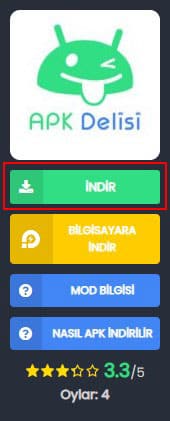
- After clicking the button, download links will appear. (Alternatively, there may be more than one link.)

- After clicking the download link close the popup ad tab. (After closing the tab. then devuploads or modsfire site will be opened as a backup link)
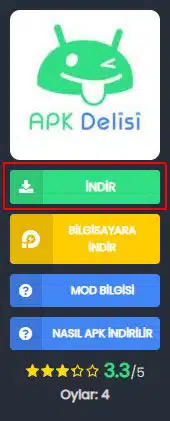
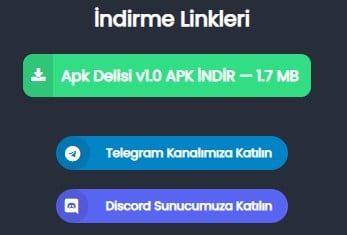
For those who say there is no download button, if you scroll down a little bit, you will see the download button.
In the images below, you are directed to the download page. Whichever is the download button. Our recommended download link is devuploads site it does not have any popup ads. others unfortunately do.
Download button of ModsFire Site; (Recommended)

DevUploads Site;

After downloading the apk file, you need to install it. For those who do not know, we explain step by step how to install it from the link below.
What is an APK file? How to Install? (Illustrated description)


